


In March 2026, the Austrian government announced that hundreds of thousands of citizens could face denial of access to government services if they fail to update their electronic certificate in the ID Austria app. Consequently, anyone using a digital signature must act quickly.
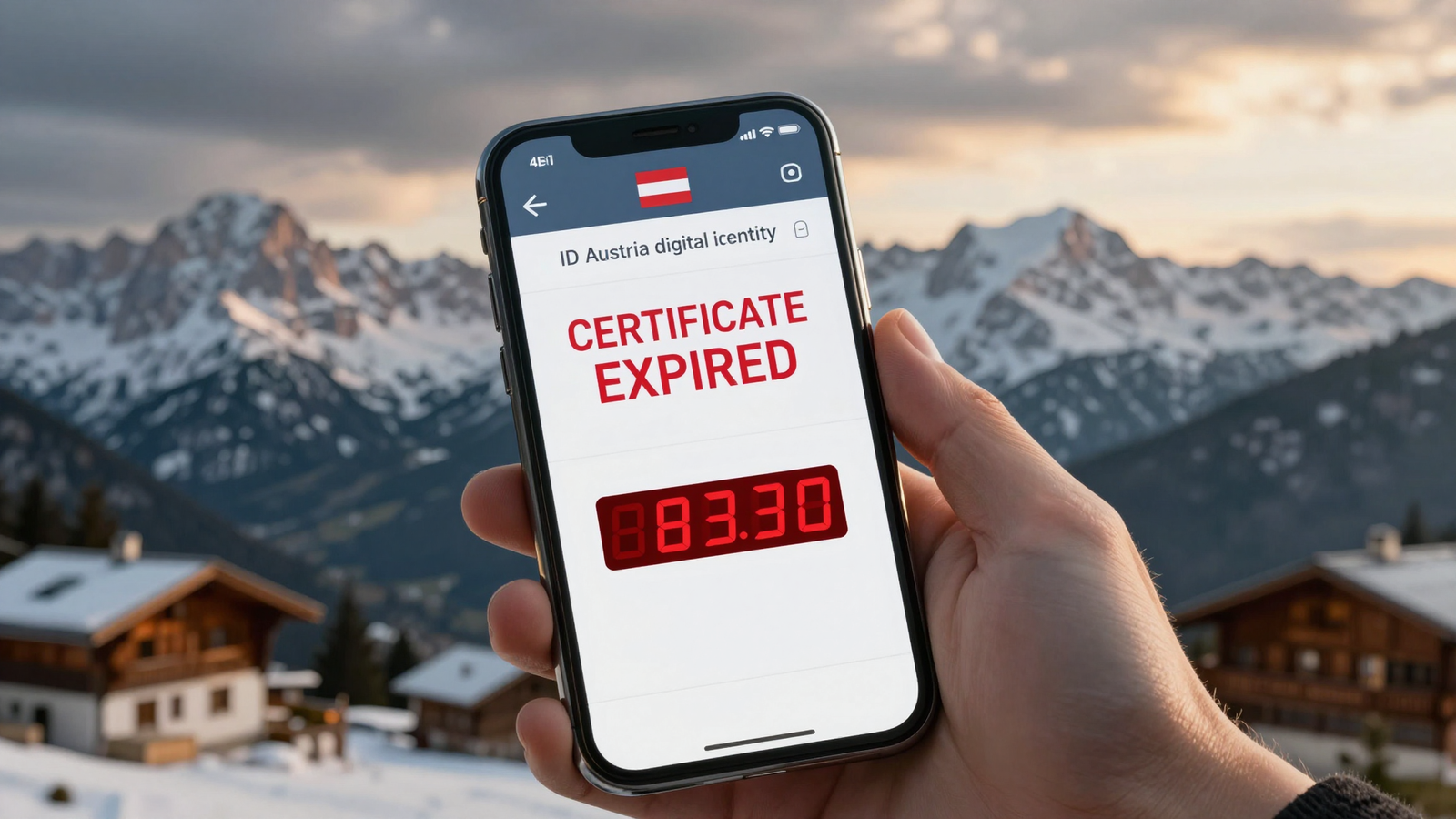
The ID Austria system replaces traditional paper identification and allows you to sign documents online. However, the certificate validity is limited to five years. According to the official help portal, once this period expires, access to government service portals will be blocked.
Why There’s a Risk of a Massive “Rush to the Office”
First, many users don’t monitor their certificate expiration date. Second, the renewal process sometimes takes several days. Therefore, when thousands of expiring certificates are flagged in the system, another surge of requests to local offices appears.
Furthermore, in 2025, more than €350 million was spent processing paper requests that could have been handled online. Transitioning to digital signature saves time and budget.

Key Steps for Timely Renewal
First and foremost, check your certificate validity in the app. Next, visit the A‑Trust portal – the official service provider. There you will find the “Renew” button, which opens a form with the following fields:
- First and last name (as shown in passport)
- Mobile phone number linked to your account
- Certificate type selection: basic or full functionality
After submitting your application, you will receive confirmation via SMS. The process usually takes between 24 and 48 hours.
How to Check Your Certificate Status
To monitor access to your data, navigate to the Manage login data and certificate section. There you will see:
- First and last name
- Certificate type (basic or full)
- Serial number
- Expiration date
If the “Expiration date” field shows a date within the coming weeks, initiate renewal immediately.
“Without timely renewal of your digital signature, you risk losing access to government services, and the recovery process can take weeks.”
Austrian Cybersecurity Expert
Table of Contents
- What is ID Austria and Why You Need It
- Certificate Validity Period and Its Importance
- Consequences of Missing the Renewal Deadline
- Step-by-Step Renewal Instructions
- Where to Check Certificate Status
- Frequently Asked Questions
Frequently Asked Questions
How do I know if my certificate has already expired? – Open the app, go to the “Account” section and check the end date.
Can I renew the certificate from another country? – Yes, the process is tied to your mobile number, not your geolocation.
How much does renewal cost? – Officially, the cost is €0 for the basic certificate, though some providers may charge a small fee for additional services.

What to Do If Your Certificate Has Already Expired?
If your certificate is already invalid, immediately contact A‑Trust support via the feedback form. You can also visit the nearest citizen service center, but remember that queues can be long.
By acting quickly, you will avoid the need for a personal visit to a government office.